

 SEARCH
 diglloydTools™








My All-SSD Mac Pro System

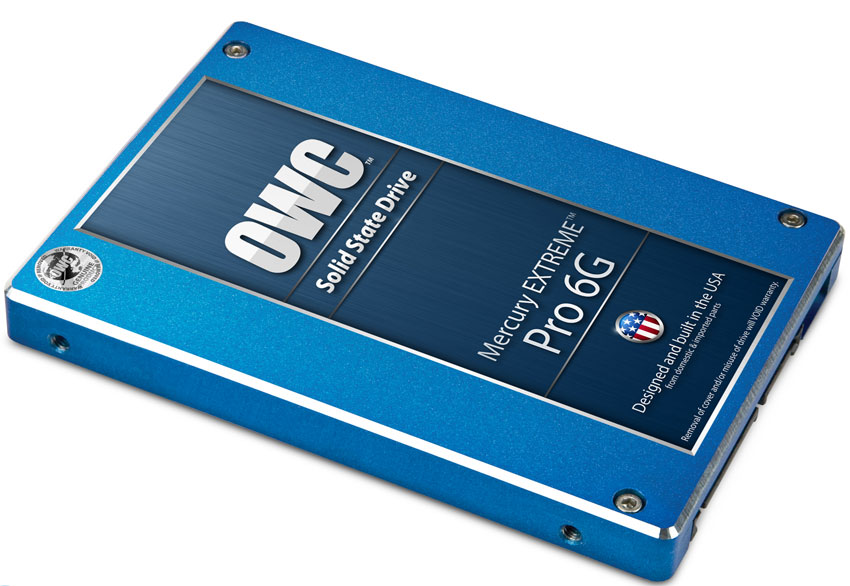
What I use in my Mac Pro
A few weeks ago, I wrote about a system overhaul of my Mac Pro.
Since then, I decided I didn’t like hearing even two hard drives spin, and that waiting for them to spin up after coming out of sleep was an ongoing nuisance.
So I made a further change: I externalized my clones and archive drives so that all internal drives are now solid state drives. All SSDs OWC Mercury Extreme Pro— fast and reliable. And the only solid state drives that I recommend, pay for, and use myself.
The result? My Mac Pro (MPG Pro Workstation) is ready to go when I am, and there is never any delay due to disk access. The only noise is the low hum of the Mac Pro fan itself (and I suppose the video card).
Once a day, I power up the external clones in order to make a clone of my Boot and Master volumes onto them. Then I unmount them and power them off.
Installing
I use the OWC Mount Pro to install the SSDs in the standard bays. In the optical bay, I just plug them in, though the OWC Multi-mount is the proper way to do it.
Getting a similar system
If you’d like a similar system, get a quote, and it can be built and pre-tested for you, and show up at your door ready to use. For an advanced system like mine, I recommend consulting with me first, so it can be tailored to your particular needs.
